

Adding items to your collection
Individual items show up here after you publish them from Studio — or directly from the Grading page if you checked the Publish option when you submitted.What the public sees
Only items you’ve set to public show up on your profile. Private items stay hidden from everyone except you.What you see when logged in
When you’re logged in to your own account, and you visit your collection, you see everything — public and private. An Edit button also appears, which lets you:- Delete items
- Rearrange the order items to show up in your collection
- Rearrange the order in which the images are displayed for an item
- Change availability between private and public
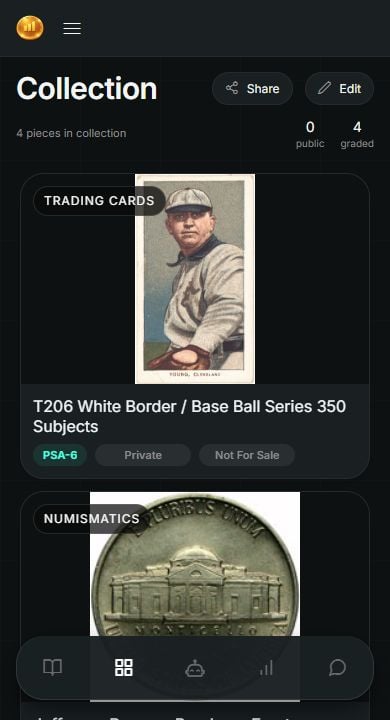
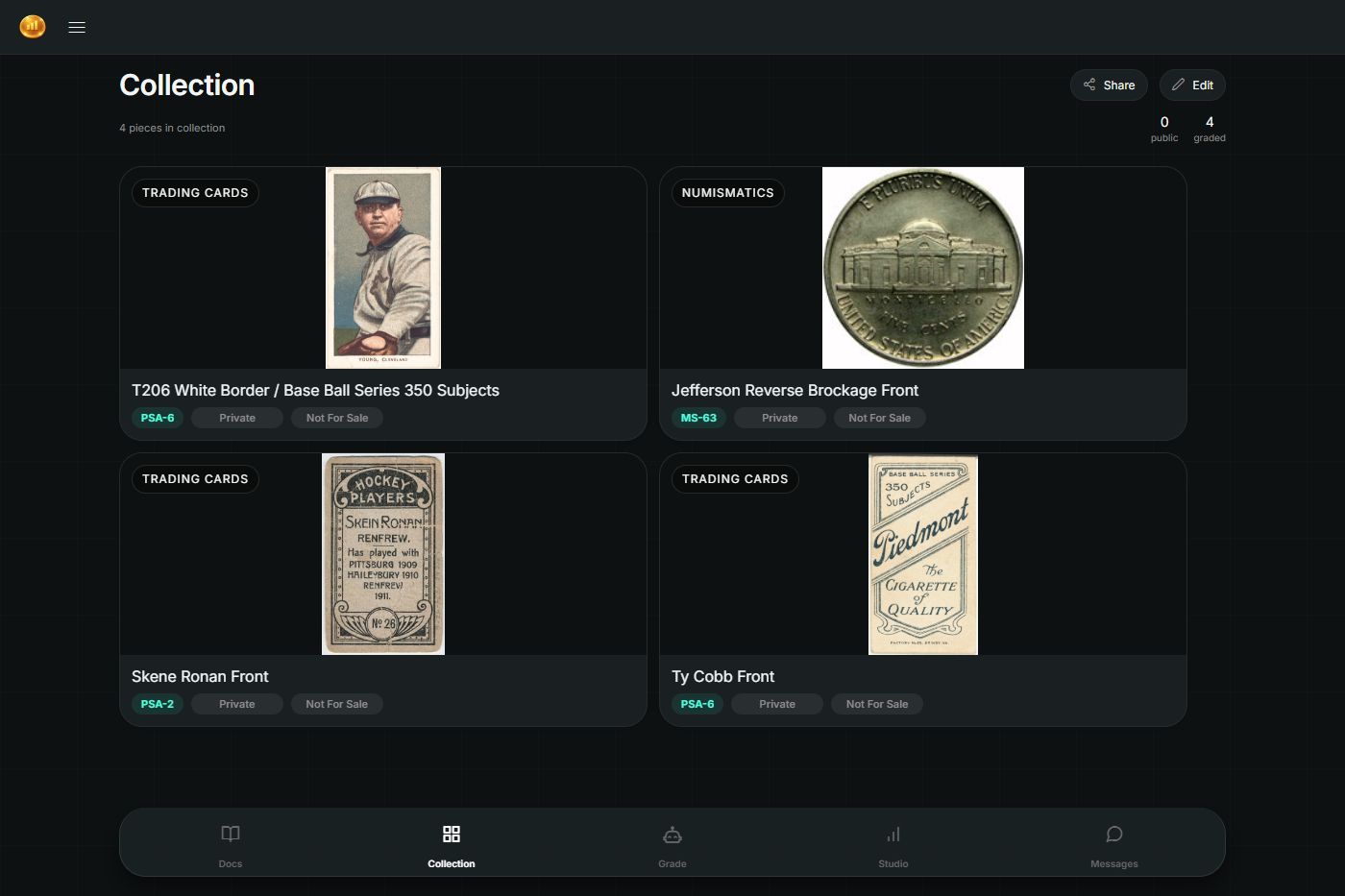
The owner’s view of a demo collection with graded cards and a coin.